
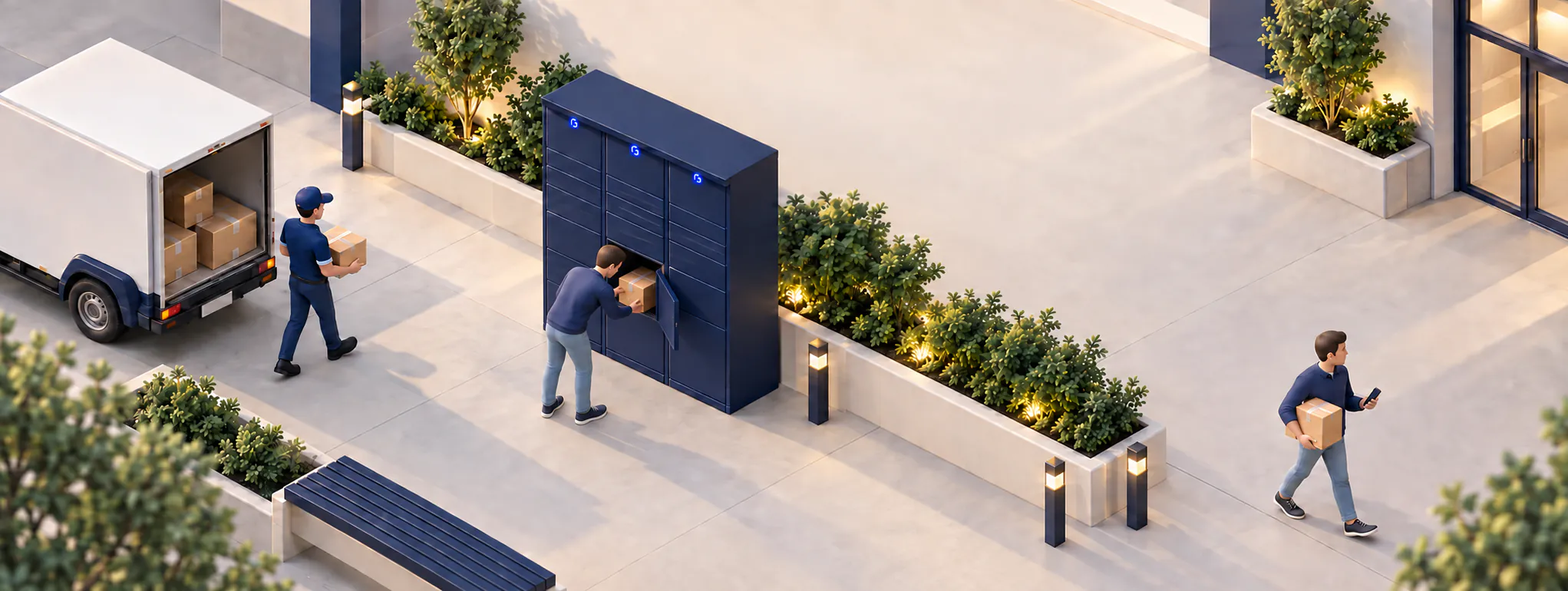
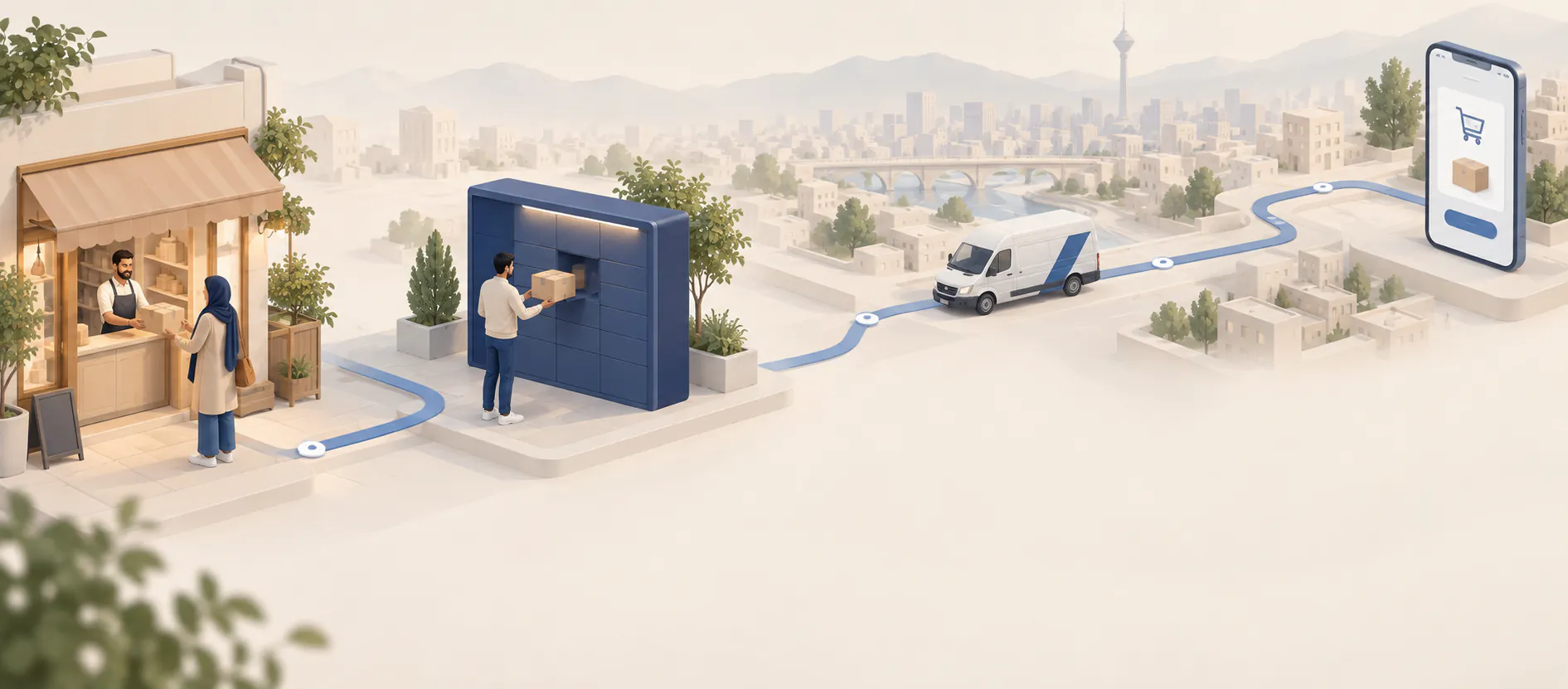
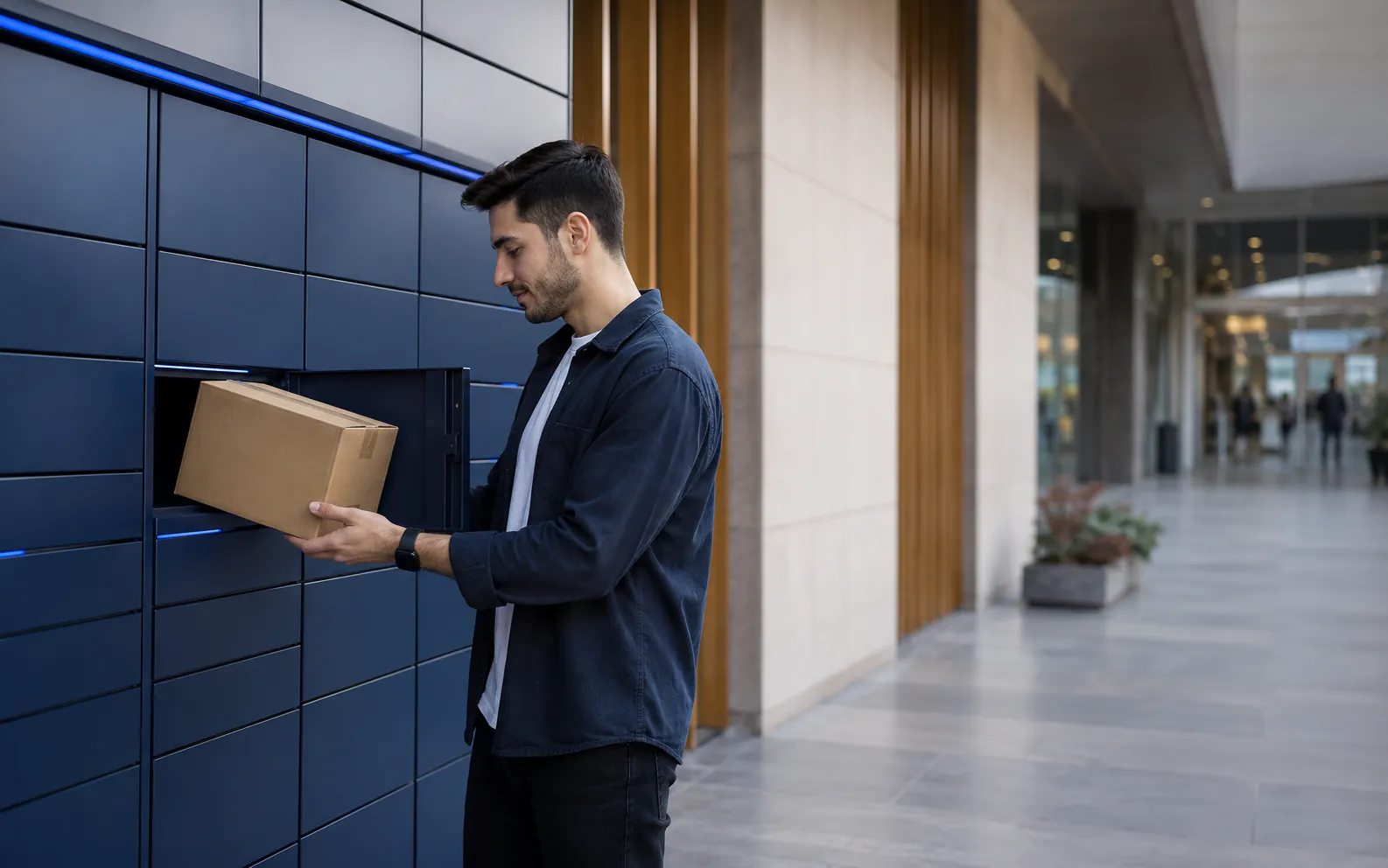
Ganje is a network of smart lockers for receiving and handing over parcels. At checkout, select your nearest Ganje locker as the delivery location. You will receive a notification by text message once your parcel is placed there.
Ganje guide
From your parcel's arrival to opening the locker, we're here to help.
Answers to common questions and a step-by-step guide to collecting a parcel from a Ganje smart locker.
How to collect a parcel
Parcel collection begins before your parcel arrives.
From choosing a location to collecting the parcel, its status remains linked to the mobile number on your order.- 01
Choose Ganje or Ganjdar as your delivery method
When shopping with an online store connected to the Ganje or Ganjdar network, choose an in-person collection point near your daily route or location.
- 02
Wait for the parcel-ready text message
Once the parcel is placed in a locker or handed over to a Ganjdar partner point, you will receive a text message saying it is ready.
- 03
Visit the collection point
After confirming that your parcel has arrived, visit the Ganje or Ganjdar point during its stated access hours.
- 04
Complete the collection steps at the point
Follow one of these two processes, depending on the type of point:
- At Ganje
- Scan the QR code, sign in to the web app with the mobile number used for your order, and select the parcel.
- At Ganjdar
- Tell the Ganjdar partner your name and collection code.
- 05
Collect your parcel
If you are collecting from a Ganje locker, close the compartment door when you are done.
How can we help?
Find your answer here.
If you cannot find the answer you need, the Ganje team is ready to help.How to open a Ganje locker
Open the locker door in a few simple steps.
You do not need to install an app to use Ganje; every step works in your phone's browser.- 01
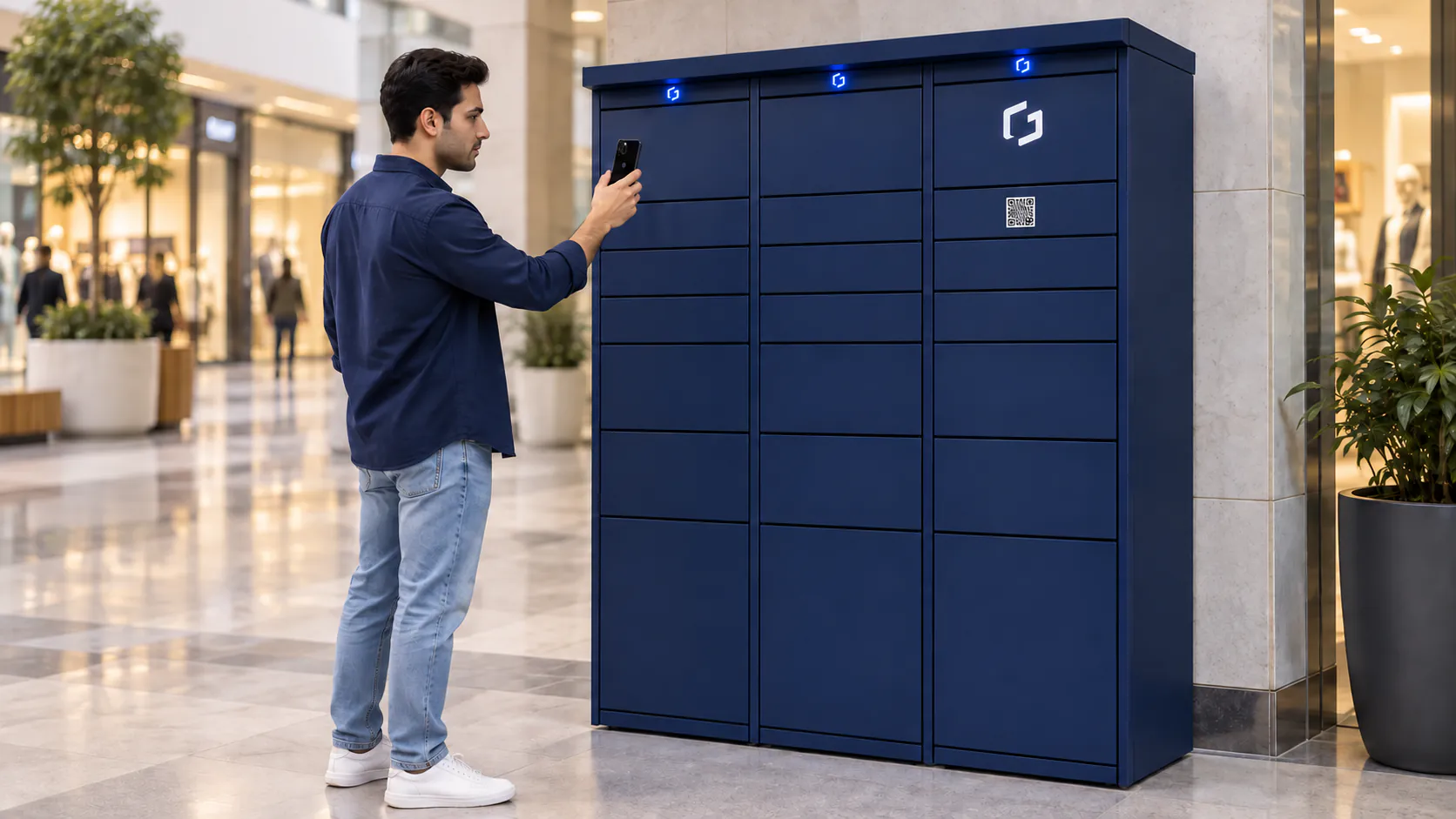
Scan the QR code on the Ganje locker
Point your phone's camera at the QR code, or go directly to app.ganje.net.
- 02
See your orders in the web app
Sign in with the mobile number used for your order and check the status and details of your parcels in the web app.
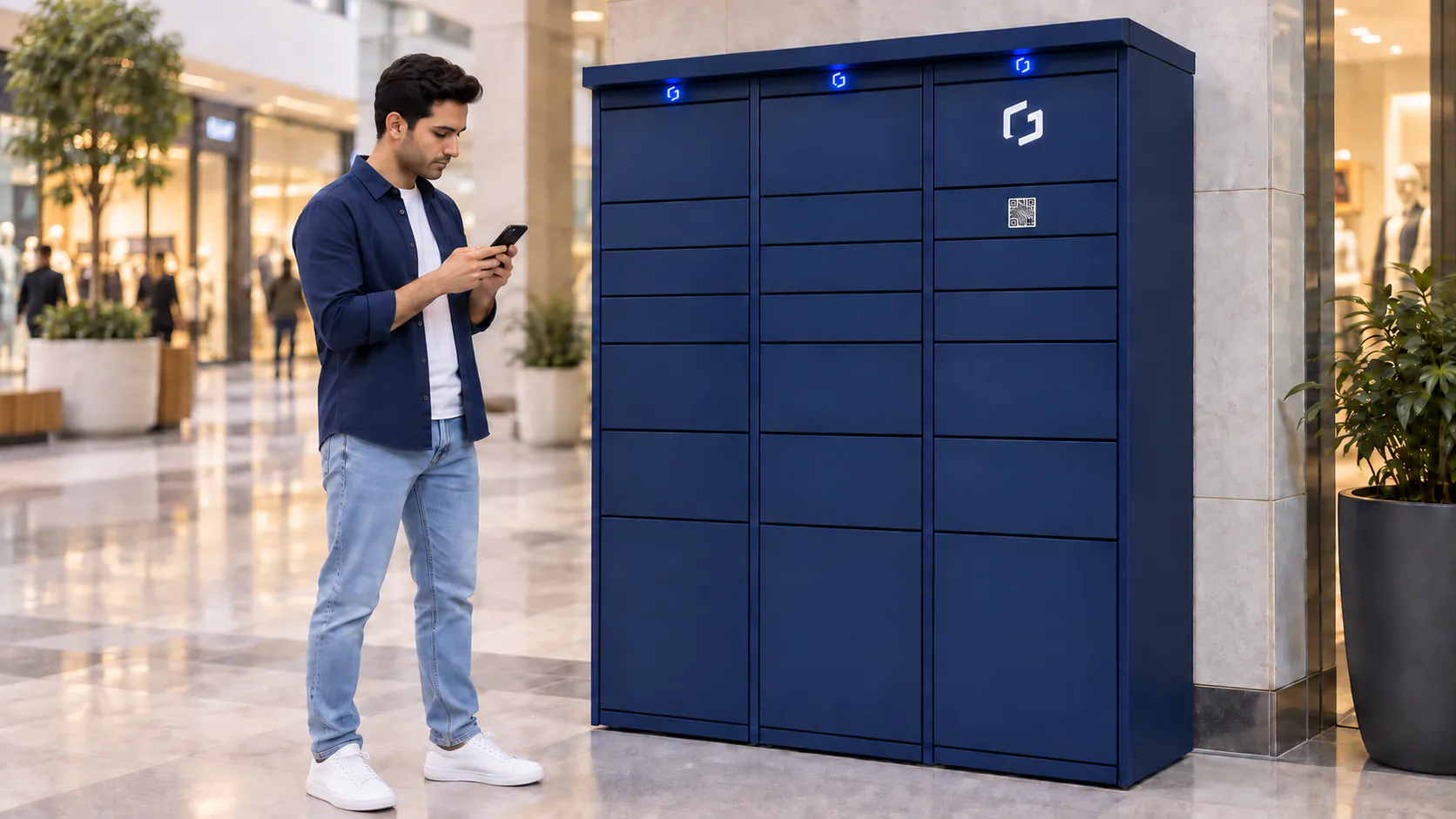
- 03
Open the locker door from your phone
On the door-opening screen, check the compartment's column and row number and follow the door-opening status.
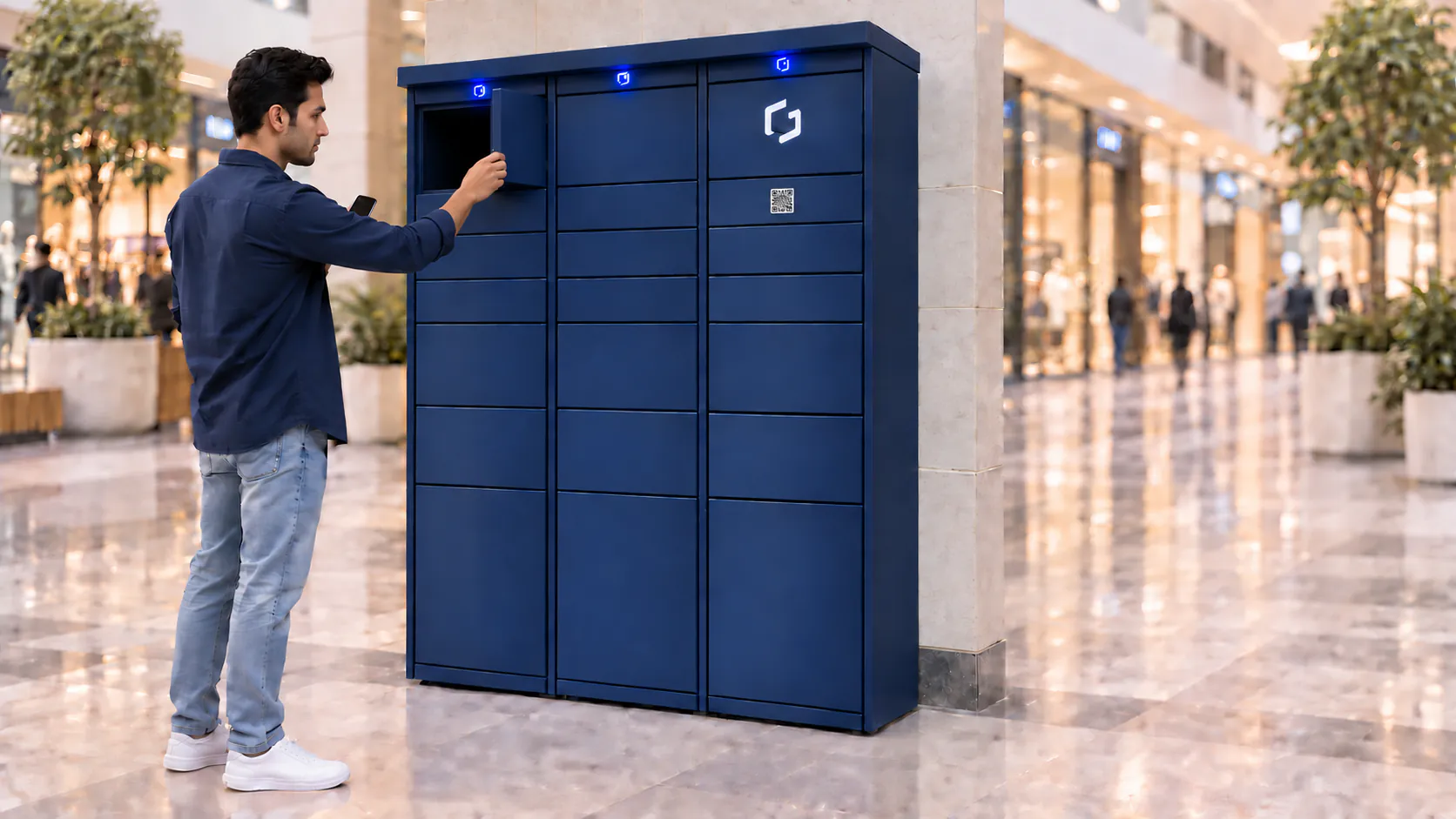
- 04
See the successful collection confirmation on your phone
After taking your parcel, check the successful collection confirmation in the web app.
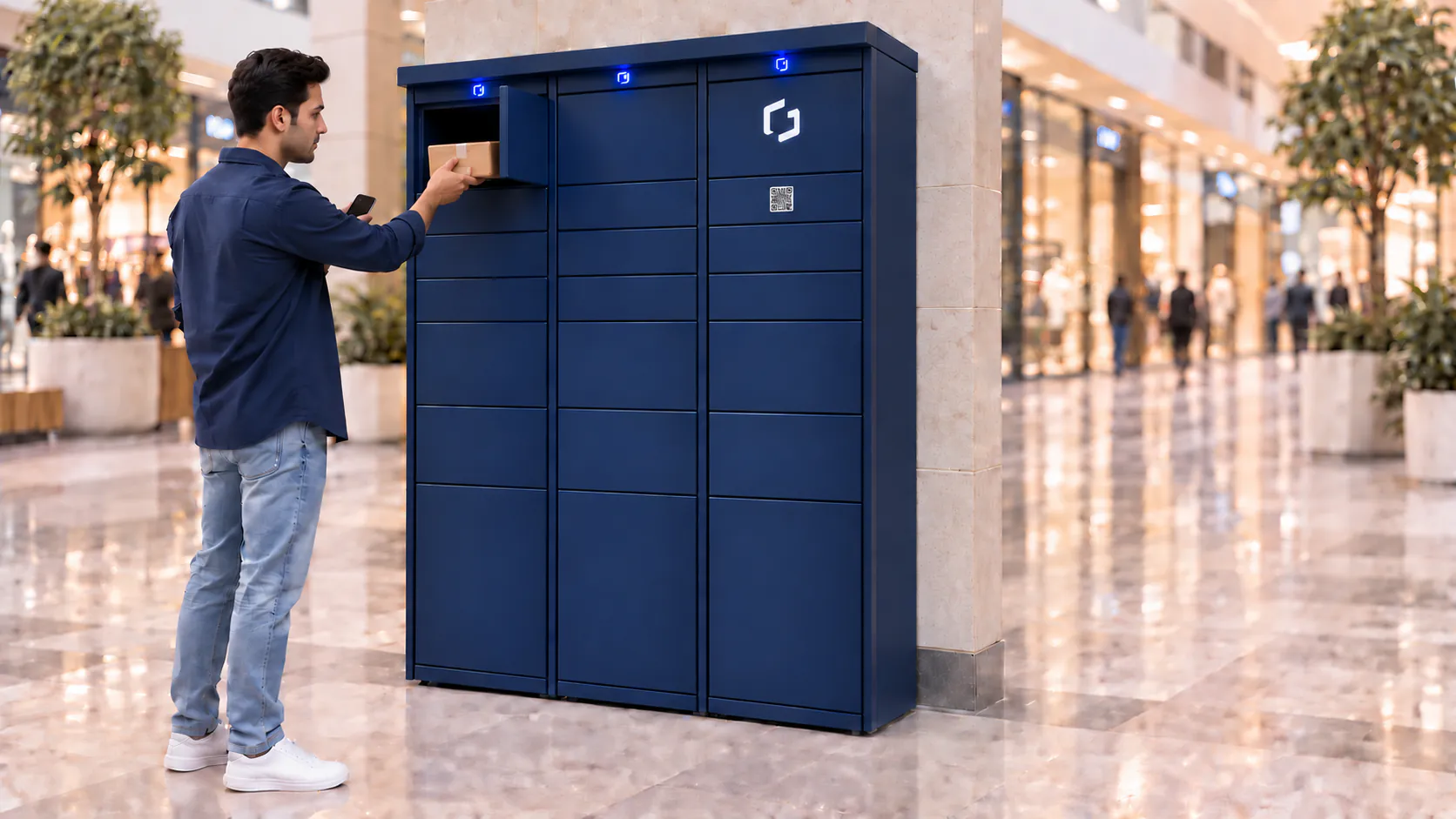
- 05
Close the door and take your parcel
Before leaving, make sure the compartment door is fully closed.
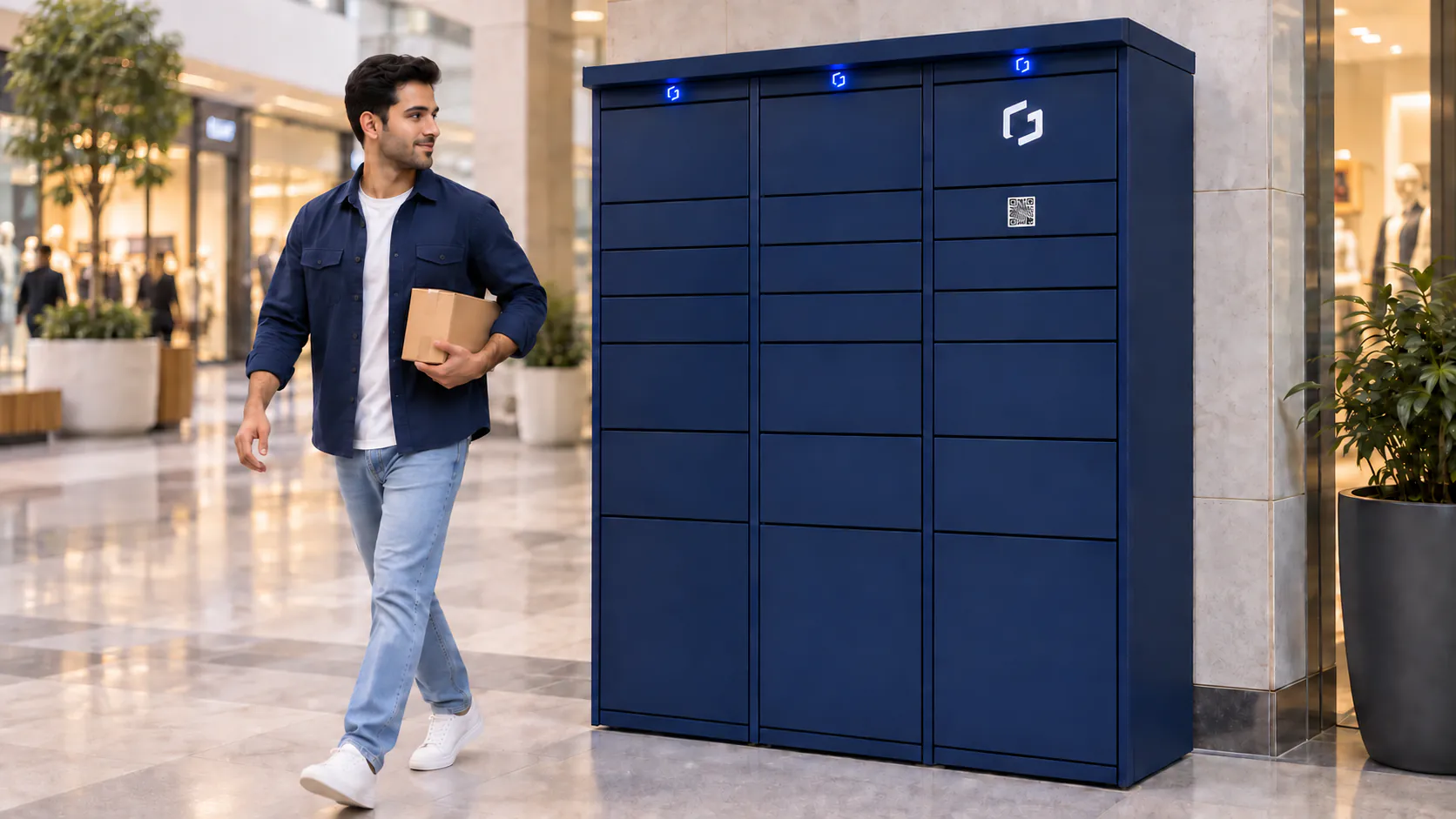
FAQs